
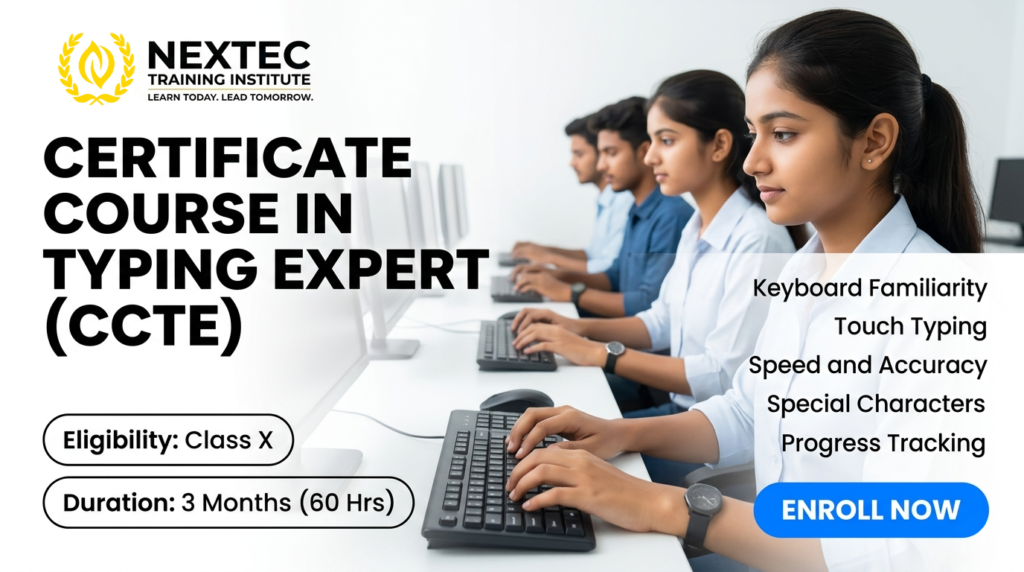
Course Name: Certificate Course in Typing Expert (CCTE)
Course Code: JNYC-C095
Eligibility: Class X
Course Duration: 3 Months
Course Fees: 1800/-
Admission Amount: 1200/-
Monthly Installment: 300/-
Total Installment: 2
Course Content: Module 1: Keyboard Familiarity & Ergonomics (Weeks 1-2)
Building correct physical habits and understanding the hardware landscape.
-
Ergonomics & Posture: Proper seating alignment, hand positioning, and wrist placement to prevent strain and maximize long-term endurance.
-
Keyboard Anatomy: Comprehensive map of the QWERTY layout—understanding the Home Row, Top Row, Bottom Row, and functional modifiers.
-
Home Row Foundations: Static finger placement drill to establish the absolute starting anchor position for all ten fingers.
Module 2: Touch Typing Mechanics (Weeks 3-5)
Training your brain and fingers to type automatically without ever looking down at the keys.
-
Muscle Memory Development: Systematic blind exercises covering row-by-row finger extensions.
-
Blind Text Control: Gradually transitioning from single-letter key strikes to full words without visual keyboard references.
-
Bilateral Coordination: Synchronizing left and right hand actions smoothly to prevent key jamming and operational pauses.
Module 3: Mastery of Special Characters & Numbers (Weeks 6-7)
Moving beyond lowercase letters to conquer complex professional data formatting.
-
10-Key Numeric Pad: Developing rapid data entry skills on the dedicated right-hand number pad for financial metrics.
-
Top Row Numbers: Mastering numeric upper-row finger arcs smoothly from the Home Row.
-
Symbols & Punctuation: Fluid integration of shifts, brackets, mathematical symbols ($+, -, *, =$), and punctuation layout markers into standard typing paths.
Module 4: Common Words, Phrases & Sentence Cadence (Weeks 8-9)
Transitioning from letter-by-letter mechanics to fluid, phrase-based rhythm flow.
-
High-Frequency Vocabulary: Muscle memory drilling of the most common words and structural connectors in the English language.
-
Sentence Construction Flow: Transitioning focus from individual characters to scanning upcoming words ahead of execution.
-
Common Phrase Rythms: Repetitive muscle training for corporate phrase structures, salutations, and standard professional sign-offs.
Module 5: Educational Challenges & Speed/Accuracy Drills (Weeks 10-11)
Gamified training and precision refinement to push past typing plateaus.
-
Targeted Error Correction: Identifying individual “problem keys” and running specialized correction algorithms.
-
Speed Drills (WPM Acceleration): Sprint pacing exercises to steadily force muscles into faster contraction rates.
-
Accuracy Locking: Drills emphasizing 100% precision targets, training the student that accuracy naturally builds clean speed.
-
Educational Typing Challenges: Engaging paragraph copy assignments, legal text blocks, and technical manuscript coding simulations.
Module 6: Progress Tracking & Final Expert Assessment (Week 12)
Quantifying real analytical growth and confirming certification standards.
-
Analytical Progress Tracking: Weekly software metric reviews charting Net Words Per Minute (WPM), Gross WPM, and precise error percentage maps.
-
Live Speed Challenge: Simulating a live employment typing test environment under timed pressure.
-
Final Certification Exam: A strict 10-minute professional transcription exam requiring a minimum accuracy floor for graduation.
Course Benefits:
-
Massive Time Efficiency: Moving from 15 WPM to a professional 40+ WPM speed cuts your daily administrative computer workload by more than half, saving hours of screen time.
-
Reduced Physical Fatigue: Proper touch typing eliminates neck strain caused by constantly looking up and down between the monitor and the keyboard.
-
Enhanced Academic Edge: Enables students to write reports, assignments, and competitive online entrance exam answers cleanly and fast under high pressure.
-
Low Time Commitment: At just 60 hours over 3 months, this course fits perfectly alongside a student’s ongoing school, college, or primary job schedule.
-
Data-Backed Improvement: Students clearly see their progress via digital reporting graphs, giving them concrete proof of their rising skill level to show employers.
Massive Time Efficiency: Moving from 15 WPM to a professional 40+ WPM speed cuts your daily administrative computer workload by more than half, saving hours of screen time.
Reduced Physical Fatigue: Proper touch typing eliminates neck strain caused by constantly looking up and down between the monitor and the keyboard.
Enhanced Academic Edge: Enables students to write reports, assignments, and competitive online entrance exam answers cleanly and fast under high pressure.
Low Time Commitment: At just 60 hours over 3 months, this course fits perfectly alongside a student’s ongoing school, college, or primary job schedule.
Data-Backed Improvement: Students clearly see their progress via digital reporting graphs, giving them concrete proof of their rising skill level to show employers.
Scope This Course:
Potential Target Careers:
In a digital-first workplace, slow typing is a massive bottleneck. High-speed typing serves as a critical foundational filter for entry-level backend operations.
-
Professional Typist & Transcriptionist: Transcribing audio or handwritten manuscripts into legal documents, books, or clean digital files.
-
Data Entry Specialist: High-speed alphanumeric processing for banking setups, inventory systems, and shipping registries.
-
Customer Support Representative: Managing fast-paced live web chats and raising help tickets simultaneously in busy customer hubs.
-
Front Desk & Reception Specialist: Promptly drafting emails, meeting summaries, and documentation logs while managing client interactions.
-
Shorthand / Stenography Base: Provides a strong foundation for students preparing for government court stenographer examinations.