
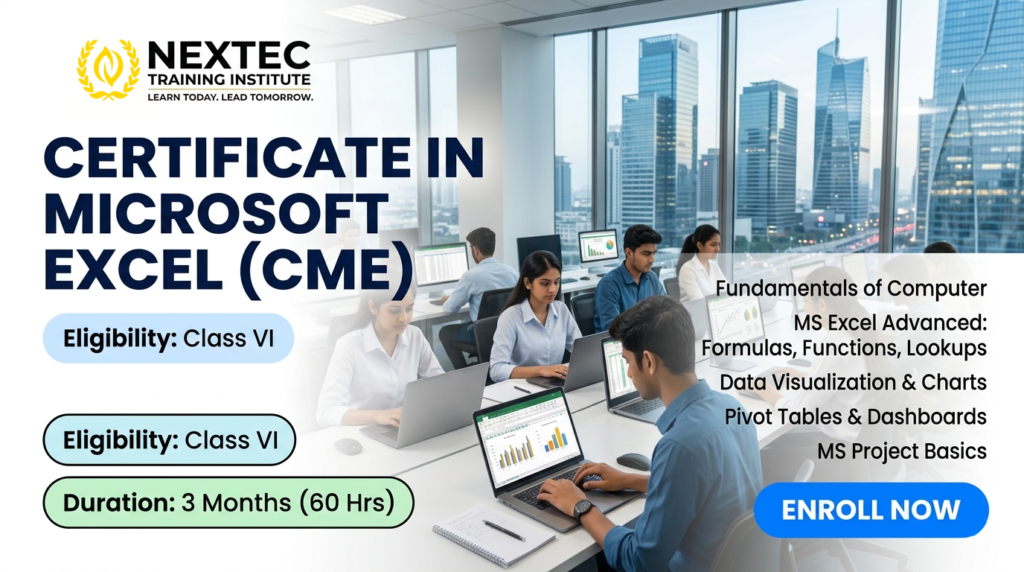
Course Name: Certificate in Microsoft Excel (CME)
Course Code: JNYC-C005
Eligibility: Class VI
Course Duration: 3 Months
Course Fees: 1200/-
Admission Amount: 1200/-
Monthly Installment: 0/-
Total Installment: 0
Course Content: Module 1: Fundamentals of Computer (12 Hours)
-
Introduction to Hardware & Software: Understanding CPU, memory, storage devices, and operating systems (Windows).
-
File Management Mastery: Creating, renaming, organizing, and securing files and folders.
-
Typing & Keyboard Fluency: Mastering essential system shortcuts (Ctrl+C, Ctrl+V, Ctrl+Z, Alt-tabbing).
-
Internet & Cloud Essentials: Safe web browsing, email etiquette, attachment handling, and an introduction to Google Drive / OneDrive.
Module 2: MS Excel – From Beginner to Advanced (38 Hours)
-
Unit 1: Excel Basics & Data Entry
-
Understanding the Grid (Rows, Columns, Cells, Worksheets).
-
Data types: Text, Numbers, Dates, and Currencies.
-
AutoFill, Flash Fill, and basic formatting (Fonts, Borders, Colors).
-
Unit 2: Essential Formulas & Functions
-
Mathematical basics: SUM, AVERAGE, COUNT, MAX, MIN.
-
Working with text: CONCATENATE, UPPER, LOWER, TRIM.
-
Unit 3: Data Management & Visualization
-
Sorting and multi-level filtering of data.
-
Conditional Formatting (highlighting duplicate values, top 10%, data bars).
-
Creating impactful charts (Column, Bar, Line, and Pie charts).
-
Unit 4: Advanced Data Analytics
-
Lookup Formulas: VLOOKUP, HLOOKUP, and XLOOKUP.
-
Logical Functions: IF, AND, OR, NESTED IF.
-
Pivot Tables & Pivot Charts: Summarizing large datasets, generating reports, and interactive dashboards.
-
Data Validation (Creating drop-down lists and restricting incorrect data entry).
-
Protect Sheets & Workbooks (Password protection).
-
Unit 5: Automation Preview
-
Introduction to recording basic Macros to automate repetitive tasks.
Module 3: MS Project Essentials (10 Hours)
-
Introduction to Project Management: What is a project? Understanding timelines, tasks, and deadlines.
-
Navigating MS Project: Exploring the workspace, ribbon, and Gantt Chart view.
-
Task Management: Entering tasks, setting durations, defining start/finish dates, and establishing dependencies (linking tasks).
-
Milestones & Scheduling: Creating project milestones and tracking a simple project timeline.
Introduction to Hardware & Software: Understanding CPU, memory, storage devices, and operating systems (Windows).
File Management Mastery: Creating, renaming, organizing, and securing files and folders.
Typing & Keyboard Fluency: Mastering essential system shortcuts (Ctrl+C, Ctrl+V, Ctrl+Z, Alt-tabbing).
Internet & Cloud Essentials: Safe web browsing, email etiquette, attachment handling, and an introduction to Google Drive / OneDrive.
Unit 1: Excel Basics & Data Entry
-
Understanding the Grid (Rows, Columns, Cells, Worksheets).
-
Data types: Text, Numbers, Dates, and Currencies.
-
AutoFill, Flash Fill, and basic formatting (Fonts, Borders, Colors).
Unit 2: Essential Formulas & Functions
-
Mathematical basics:
SUM,AVERAGE,COUNT,MAX,MIN. -
Working with text:
CONCATENATE,UPPER,LOWER,TRIM.
Unit 3: Data Management & Visualization
-
Sorting and multi-level filtering of data.
-
Conditional Formatting (highlighting duplicate values, top 10%, data bars).
-
Creating impactful charts (Column, Bar, Line, and Pie charts).
Unit 4: Advanced Data Analytics
-
Lookup Formulas:
VLOOKUP,HLOOKUP, andXLOOKUP. -
Logical Functions:
IF,AND,OR,NESTED IF. -
Pivot Tables & Pivot Charts: Summarizing large datasets, generating reports, and interactive dashboards.
-
Data Validation (Creating drop-down lists and restricting incorrect data entry).
-
Protect Sheets & Workbooks (Password protection).
Unit 5: Automation Preview
-
Introduction to recording basic Macros to automate repetitive tasks.
Introduction to Project Management: What is a project? Understanding timelines, tasks, and deadlines.
Navigating MS Project: Exploring the workspace, ribbon, and Gantt Chart view.
Task Management: Entering tasks, setting durations, defining start/finish dates, and establishing dependencies (linking tasks).
Milestones & Scheduling: Creating project milestones and tracking a simple project timeline.
Course Benefits:
-
Early Academic Advantage: For school students (Class VI and above), this builds data organization habits early, aiding in school projects, science models, and analytical thinking.
-
100% Practical, Lab-Based Learning: Every theory session is backed by hands-on exercises, assignments, and real-world case studies.
-
Boosted Workplace Productivity: Automating daily administrative and calculations tasks reduces manual work hours drastically.
-
Highly Scalable Skillset: Moves seamlessly from data entry basic layouts up to corporate-level business intelligence reporting.
Early Academic Advantage: For school students (Class VI and above), this builds data organization habits early, aiding in school projects, science models, and analytical thinking.
100% Practical, Lab-Based Learning: Every theory session is backed by hands-on exercises, assignments, and real-world case studies.
Boosted Workplace Productivity: Automating daily administrative and calculations tasks reduces manual work hours drastically.
Highly Scalable Skillset: Moves seamlessly from data entry basic layouts up to corporate-level business intelligence reporting.
Scope This Course:
Mastering Microsoft Excel and basic project planning opens up immediate operational roles across multiple sectors, including retail, education, corporate offices, and logistics.
| Job Role | Core Responsibility |
| Data Entry Operator / Executive | Managing clean digital records, updating databases, and typing data accurately. |
| Office Assistant / Back Office Executive | Handing daily office operations, maintaining attendance, preparing expense sheets, and managing documentation. |
| Junior MIS Executive (Management Information Systems) | Creating daily/weekly business performance reports and summaries using Pivot Tables for management. |
| Junior Project Coordinator | Assisting project managers in setting timelines, updating task statuses, and tracking milestones in MS Project. |
| Freelance Spreadsheet Designer | Building custom billing calculators, automated inventory trackers, or dynamic invoice templates for local small businesses. |